Public agencies are serving more people with the same or fewer staff. They also face stricter reporting rules and more funding sources to track. The right government case management software helps agencies keep up. It brings participants, services, and funding into one system so staff spend less time on paperwork and more time with the people they serve.
Choosing well matters. A system that fits your programs improves productivity and reporting. A poor fit can waste budget, frustrate staff, and leave gaps in your data.
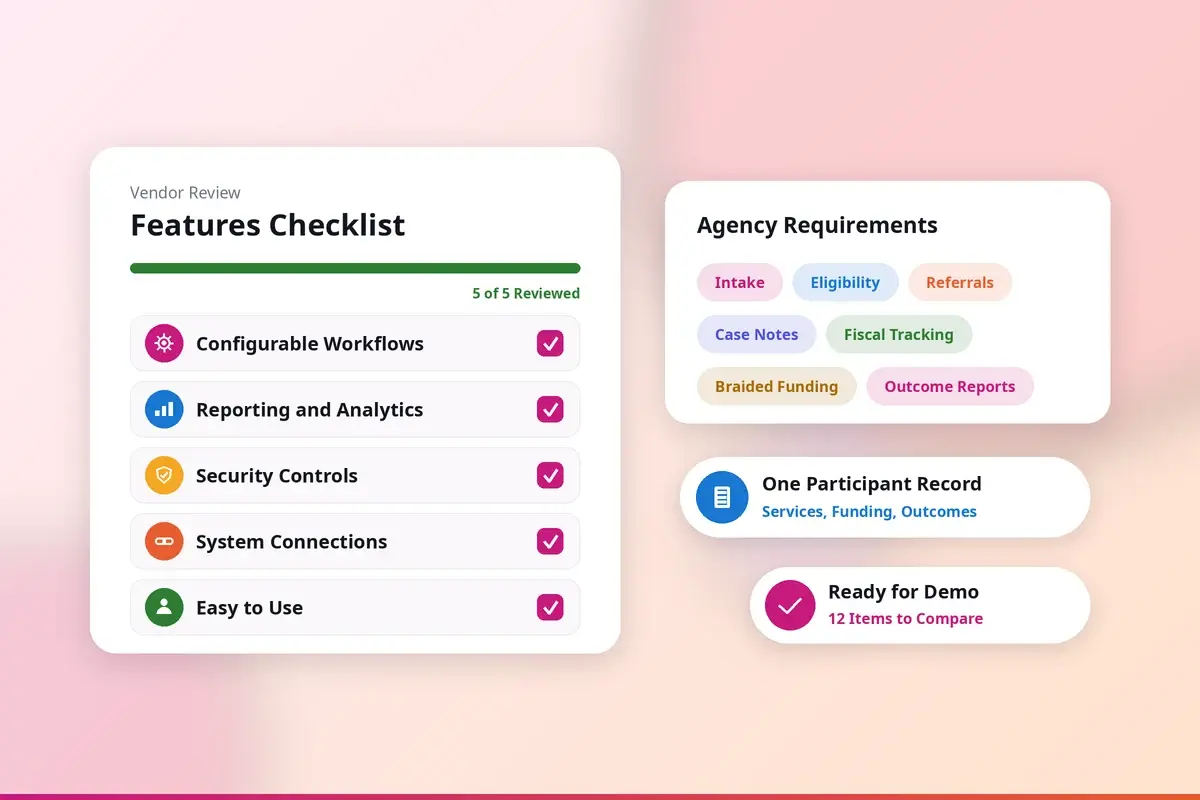
This article covers five features public agencies should look for when they compare case management systems. It ends with a checklist you can use during demos. The guidance applies whether you are buying your first system or replacing one at the end of a contract.
1. Configurability
Every agency runs its programs differently. Eligibility rules, intake steps, approval paths, and reporting needs vary by program, funder, and jurisdiction. Your case management software should adapt to those differences instead of forcing staff to work around it.
Fit the System to Your Programs
A configurable system lets you set up workflows, forms, reports, and user permissions to match how your agency actually works. Staff don't have to rely on spreadsheets or side processes to fill gaps. When the software reflects your real operations, work moves faster and data stays consistent.
Grow Without Replacing Your System
Agencies add programs, locations, and partners over time. A configurable platform can expand to support that growth without a costly replacement every few years. New programs can be set up within the same system, using the same participant records.
Respond to Policy Changes
Laws, funder requirements, and reporting rules change often. With a configurable system, administrators can update processes, add data fields, and adjust reports without waiting on custom development. This keeps the agency compliant and responsive when requirements shift.
2. Reporting and Analytics
Comprehensive reporting and analytics are critical for public agencies to understand their big-picture impact as well as granular details from their day-to-day operations. Agencies need to see both their overall impact and the details of daily operations. Reporting and analytics give leaders the data they need to measure results, spot trends, and find areas to improve. With reliable data, agencies can plan ahead instead of reacting to problems after they grow.
Use Real-Time Data to Manage Caseloads
Real-time dashboards show how cases are moving right now. Supervisors can spot stalled cases, balance caseloads, and direct resources where they are needed most. Patterns in case types or process bottlenecks become visible early, so teams can fix them before they affect participants.
Inform Policy and Program Decisions
Analytics also support policy planning and program evaluation. When agencies can measure the effect of each initiative, they can adjust strategies based on evidence. Over time, this habit of review and improvement leads to stronger programs and clearer accountability to funders and the public.
3. Security and Compliance
Public agencies handle sensitive personal, financial, and health information every day. Strong security and clear compliance controls are essential requirements, not optional extras. A breach can lead to data theft, legal costs, service disruptions, and lasting damage to public trust.Think of your case management software as a fortress. Robust security features are the high walls, moat, and drawbridge protecting that fortress from invaders. We're talking encryption, secure user authentication, and regular security audits to keep everything tighter than Fort Knox. Why? Because the consequences of a breach—ranging from data theft to loss of public trust—are too dire to contemplate. You need peace of mind knowing your data is locked up tight.
Core Security Controls to Expect
Look for encryption of data at rest and in transit, role-based access, multi-factor authentication, and audit logging. Ask vendors for independent proof of their controls, such as SOC 2 Type 2 reports, ISO 27001 certification, or state security programs like TX-RAMP. Confirm where data is hosted and how the vendor handles incident response.
Support for Regulatory Requirements
Compliance means meeting the federal, state, and funder rules that govern your programs. Your software should make that easier by enforcing access rules, keeping complete records, and producing the reports regulators expect. A system that supports compliance reduces risk and saves staff time during audits and monitoring reviews.
The Cost of Gaps
Weak security or poor compliance can lead to fines, litigation, and operational setbacks. In the public sector, the impact also reaches the residents whose information was exposed. Investing in a secure, compliant system protects both the agency and the people it serves.
4. Integration with Existing Systems
Most agencies already use separate systems for finance, human resources, document management, and state reporting. When case management software doesn't connect with those tools, staff end up entering the same data more than once. That slows work down and increases errors.
Why Integration Matters
When your case management software connects with the tools you already use, data moves between them automatically. Processes speed up, manual entry drops, and staff work from more accurate records. Ask vendors which connection methods they support, such as APIs, secure file transfers, or prebuilt connectors.
Interoperability Across Partners
Interoperability means your systems can share information with each other and with partner organizations. This makes it possible to automate routine tasks, combine data from multiple sources in one report, and coordinate referrals across agencies. Participants get more connected service, and staff see a fuller picture of each case.
Better Decisions and Better Service
Connected systems give leaders more complete and current information for decision-making. They also break down silos between departments. Staff spend less time chasing data, and residents get faster, more transparent service.
5. Ease of Use
Even the most capable system will fall short if staff find it hard to use. A clear, intuitive interface helps staff find information quickly and complete tasks without extra steps. That matters in public agencies, where teams are expected to serve more people with limited time.
Shorter Training Time
When the software is easy to learn, new staff and participants can start using it sooner. Agencies spend less time and money on training, and adoption goes more smoothly across teams and locations.
Higher Productivity
An easy-to-use system lets staff focus on their work instead of the software. Automation can handle repetitive tasks such as reminders, status updates, and routine data entry. This frees staff to handle complex cases and spend more time with participants. Mobile access also helps staff and participants complete tasks from the field or from home.
Government Case Management Features Checklist
Use this checklist when you compare case management systems. Ask each vendor to show these features in a live demo with your own scenarios.
- Configurable intake forms, workflows, and approvals that administrators can update without custom code.
- Eligibility rules that screen participants and route them to the right programs.
- Internal and external referrals with status tracking and outcome confirmation.
- Case notes, service plans, and documents stored in a single participant record.
- Fiscal tracking that ties services and spending to each funding source, including braided funding.
- Federal, state, and funder reports, plus dashboards for daily caseload monitoring.
- Role-based access, multi-factor authentication, and audit logging.
- Encryption at rest and in transit, backed by independent security certifications.
- Connections to the finance, HR, document, and state systems your agency already uses.
- A clear, accessible interface that works on mobile devices for staff and participants.
- The ability to scale across programs, locations, and partner organizations.
- A defined plan for configuration, data migration, and staff training.
How myOneFlow Supports These Features
myOneFlow is an innovative case management platform for the operational needs of public agencies. Its rules-based workflows and connectivity across multiple locations help staff manage referrals, transfer caseloads, and keep participant records in one place. Agencies use it to manage services, braided funding, and outcome reporting in the same system.
We work with public agencies and state and local governments across the country. To compare vendors in more detail, read our guide on how to evaluate vendors against these features. You can also contact our team to discuss your agency's needs.
Frequently Asked Questions
- What features should public agencies prioritize in case management software?
Public agencies should prioritize secure data storage, robust reporting tools, workflow automation, easy integration with other systems, and user-friendly interfaces. These features help streamline case management processes, ensure data security, and improve service delivery.
- How does case management software improve efficiency for public agencies?
Case management software automates routine tasks, centralizes case information, and enhances department communication. This leads to quicker case resolution, reduced administrative burdens, and more time for staff to focus on providing quality client services.
- Is it necessary for case management software to have data security features?
Yes, data security is crucial for public agencies handling sensitive information. Case management software should include strong encryption, access controls, and compliance with data protection regulations to safeguard client data and maintain public trust.